

Find a starting point in Lindy
Open Use cases in the Lindy sidebar. Browse categories such as Marketing, Sales & client management, and Operations & finance, or use Search use cases to find a role or job. Select See how it works on a card to see the tools it uses and what you could ask Lindy to do first. Choose Try in chat to open a Lindy conversation with a starter prompt for that job. Include the accounts or files to use and the result you want to review.Draft a client update
Connect Google Sheets, then try this in Lindy chat:Use the Client Results spreadsheet to draft this week’s update for Acme. Include what changed, what shipped, and what’s next. Leave the draft here for me to review.Replace the spreadsheet and client names with your own. If you write the same update every week, set it up as a routine.
Inbox and calendar
Inbox management, scheduling, prep, meetings.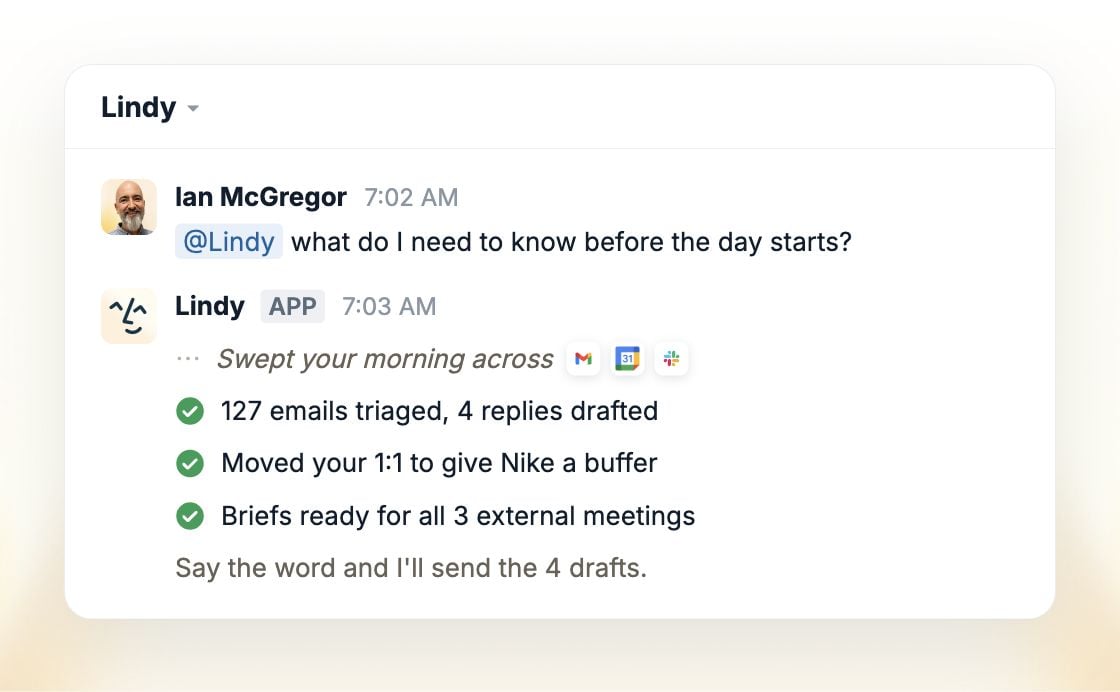
Sales and client management
Lead enrichment, follow-ups, CRM updates, pipeline management.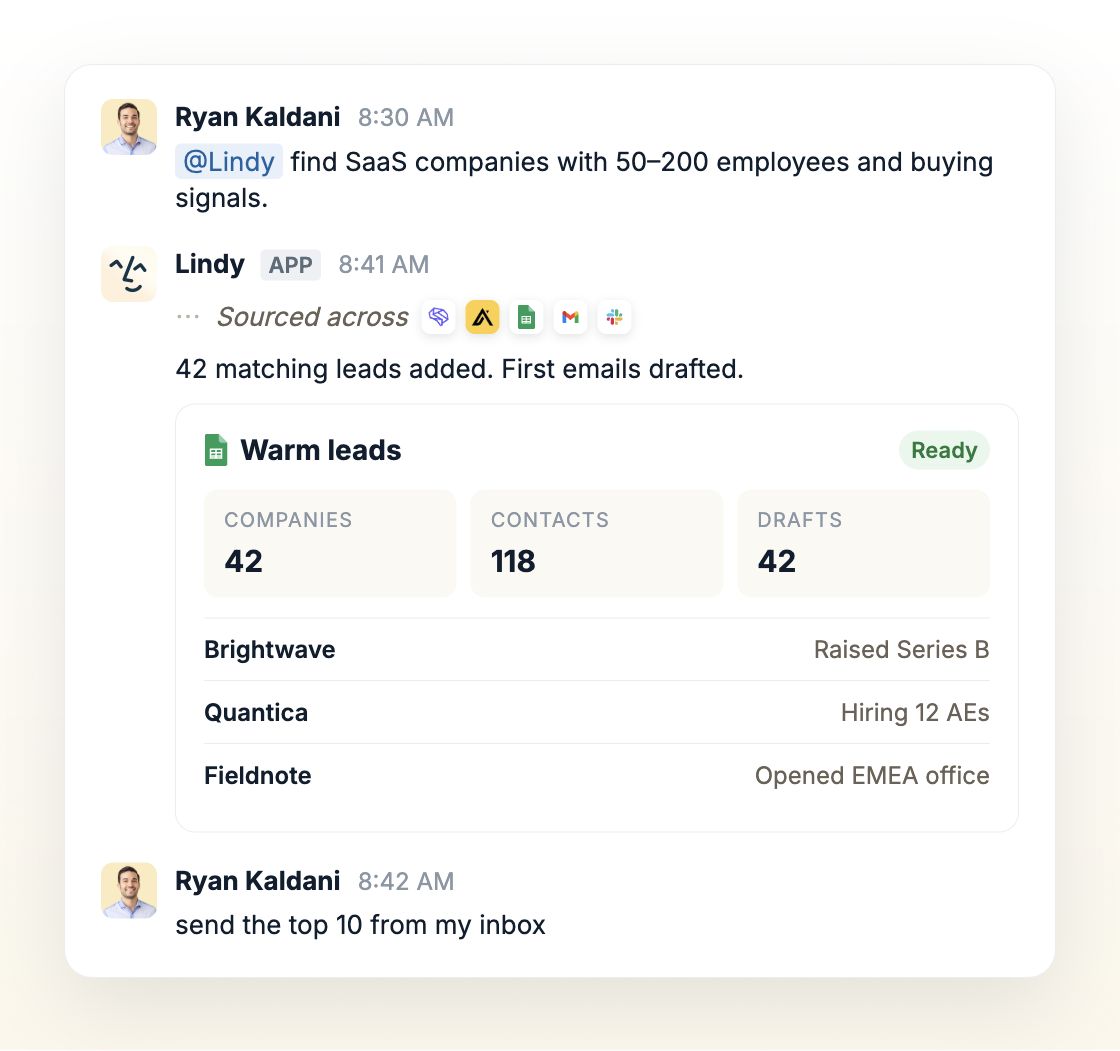
Customer service
Ticket triage, routing, drafted replies, escalation.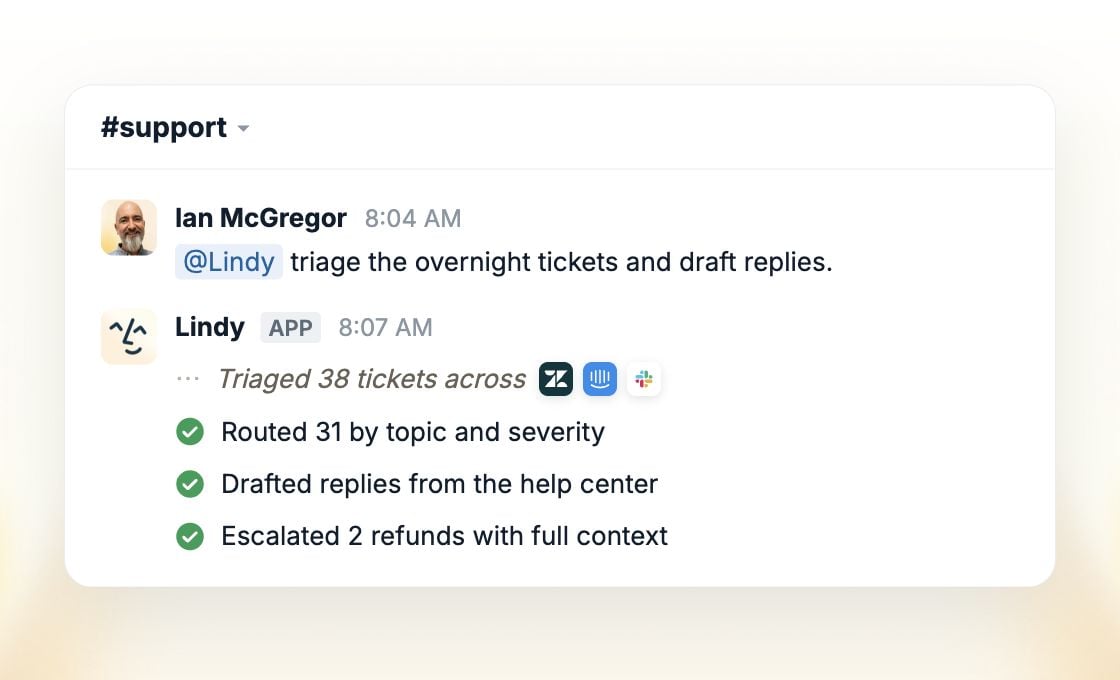
Product and data
Ticket triage, bug investigation, code review, oncall.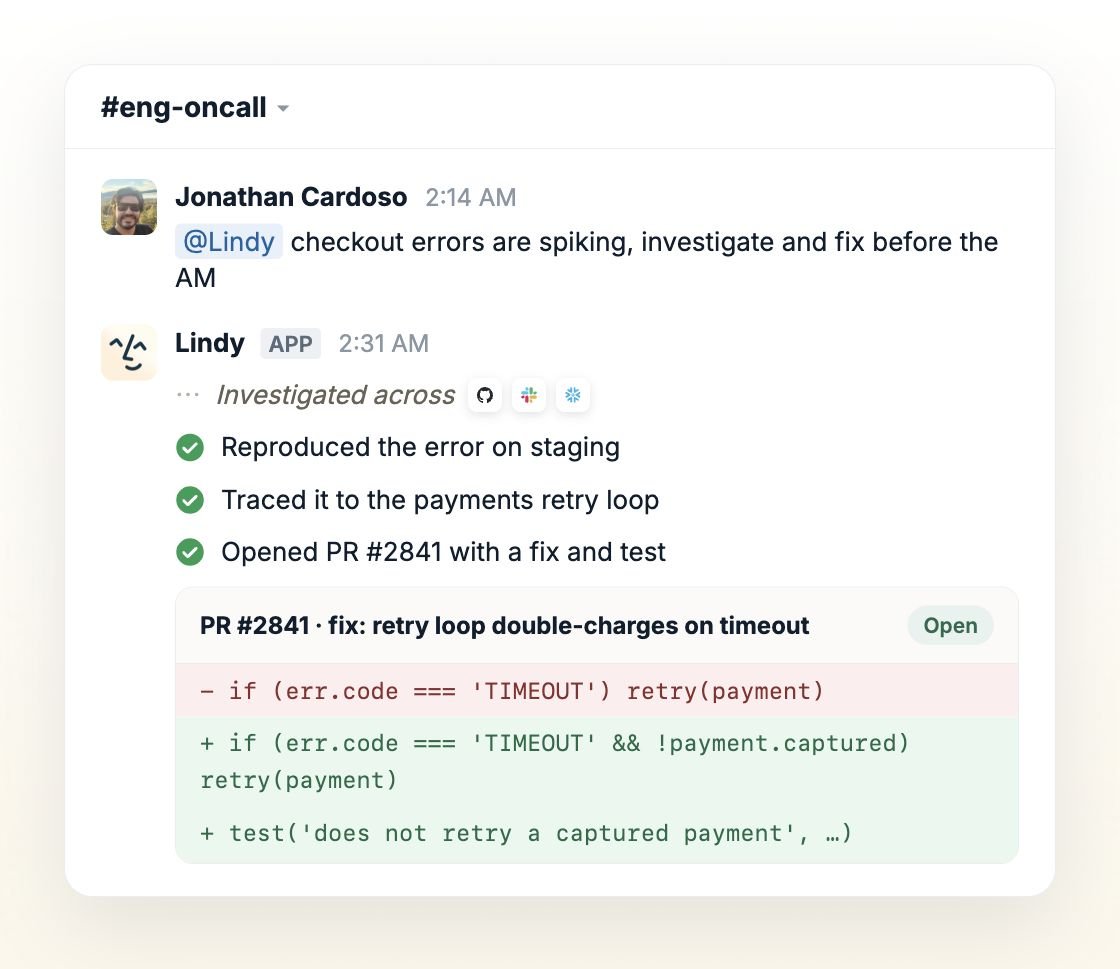
Marketing
Dashboards, reporting, attribution, competitive tracking, customer stories.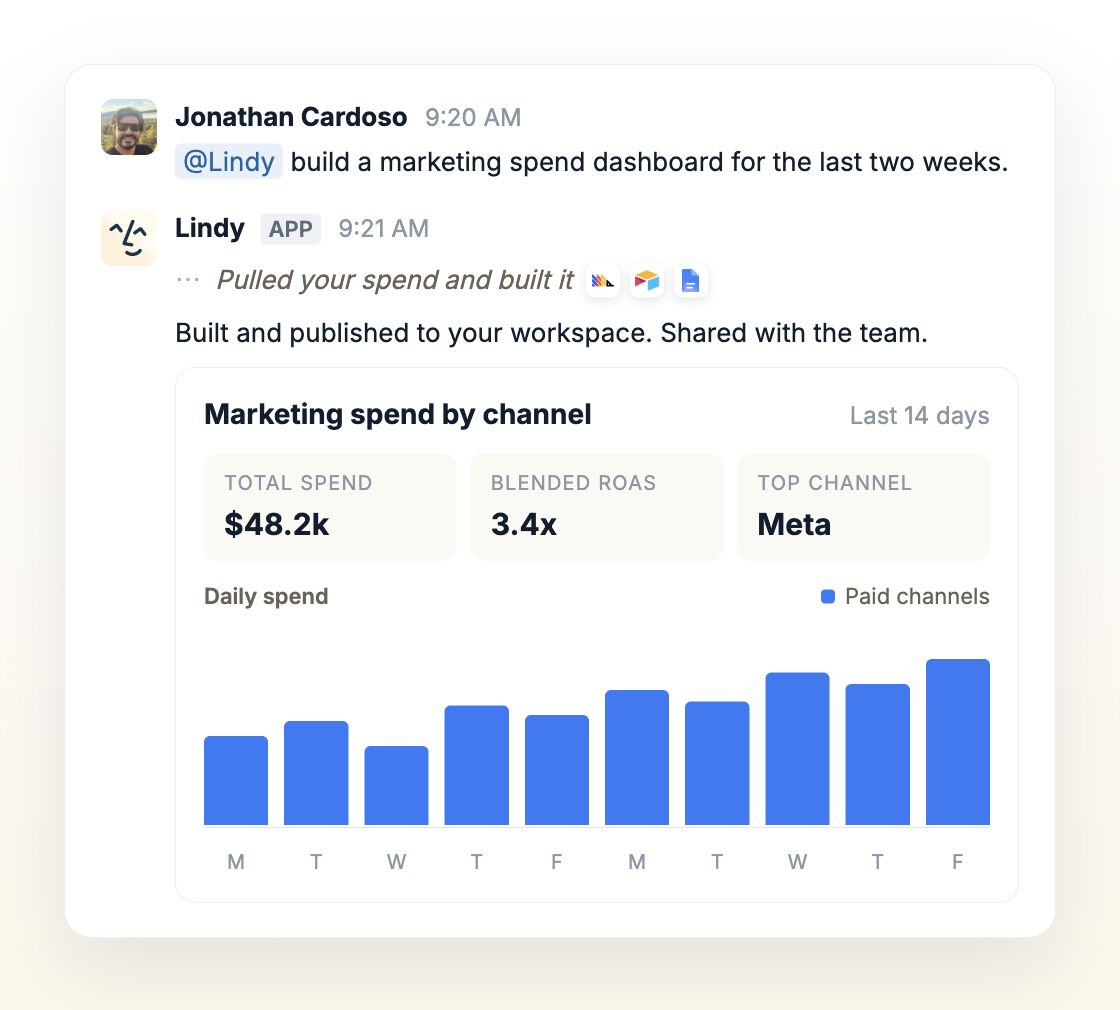
Operations and finance
Ask Lindy to check open invoices against their due dates and recent payments, then draft a follow-up for overdue accounts.List the invoices that are overdue, grouped by customer. Include the current balance, due date, and source. Leave follow-up drafts here for me to review.
People
Onboarding, tickets, screening, feedback.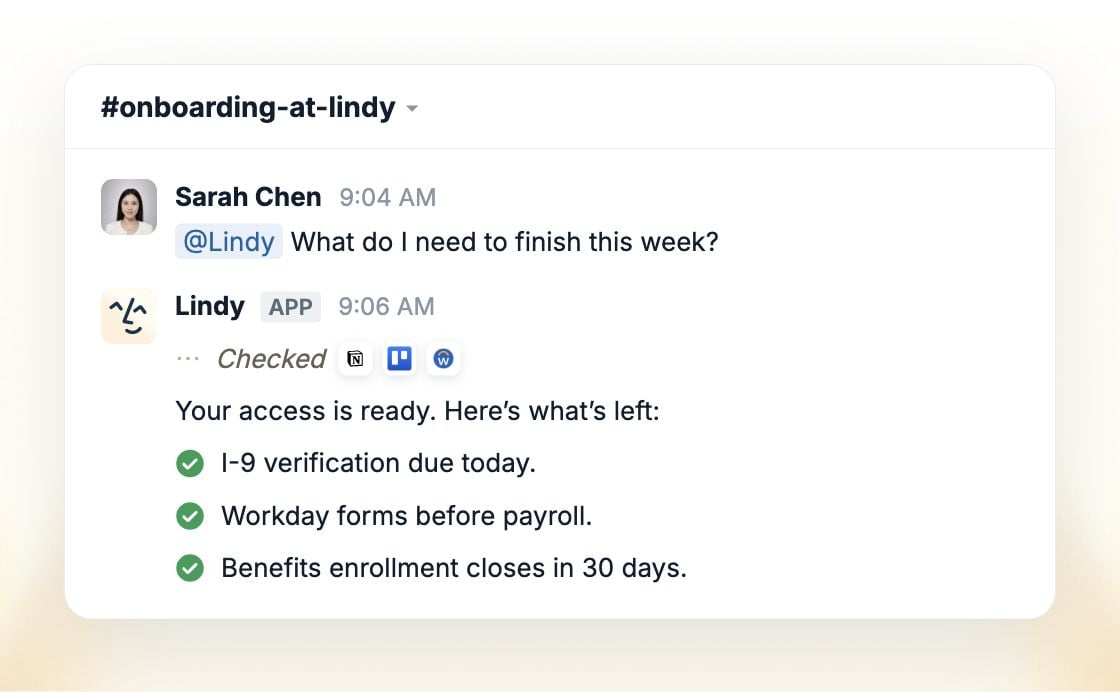
Meetings
Ask about any call, then act on what you learn.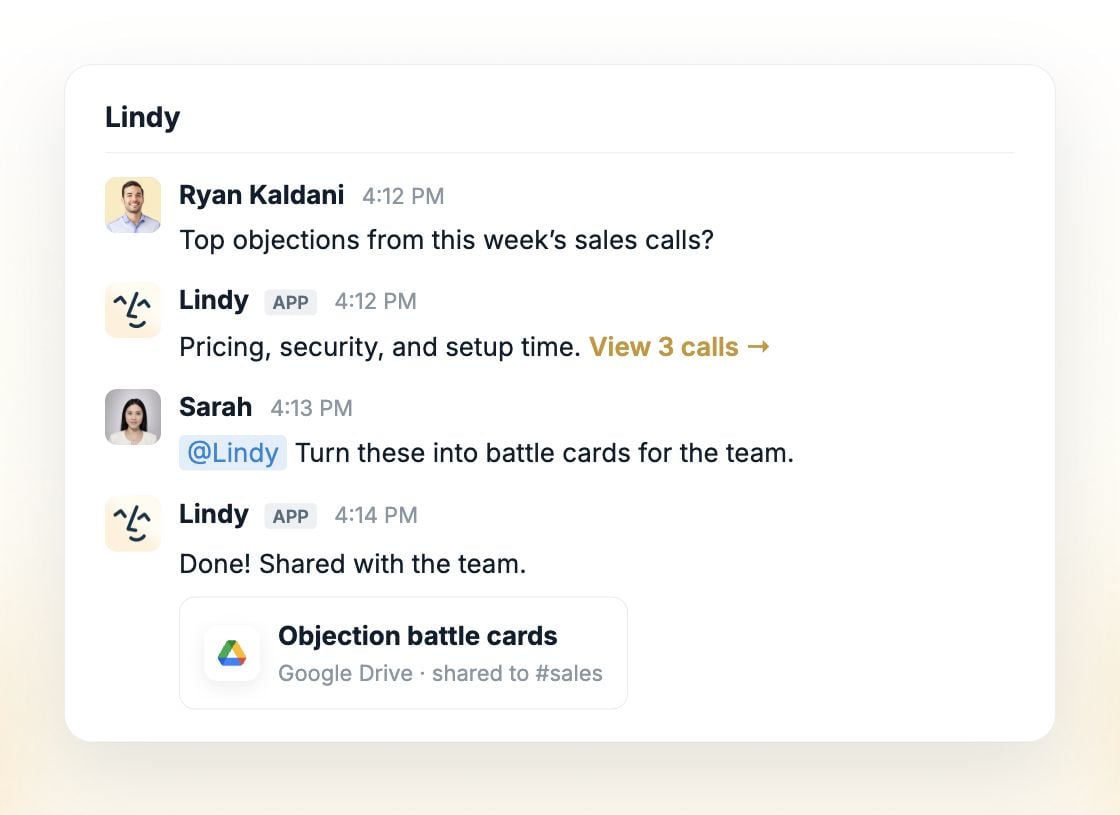
More examples
Not tied to a role. Anyone on the team can ask for these.Find answers
Ask across Slack, meetings, and your tools. Lindy digs up the answer and the file or decision behind it.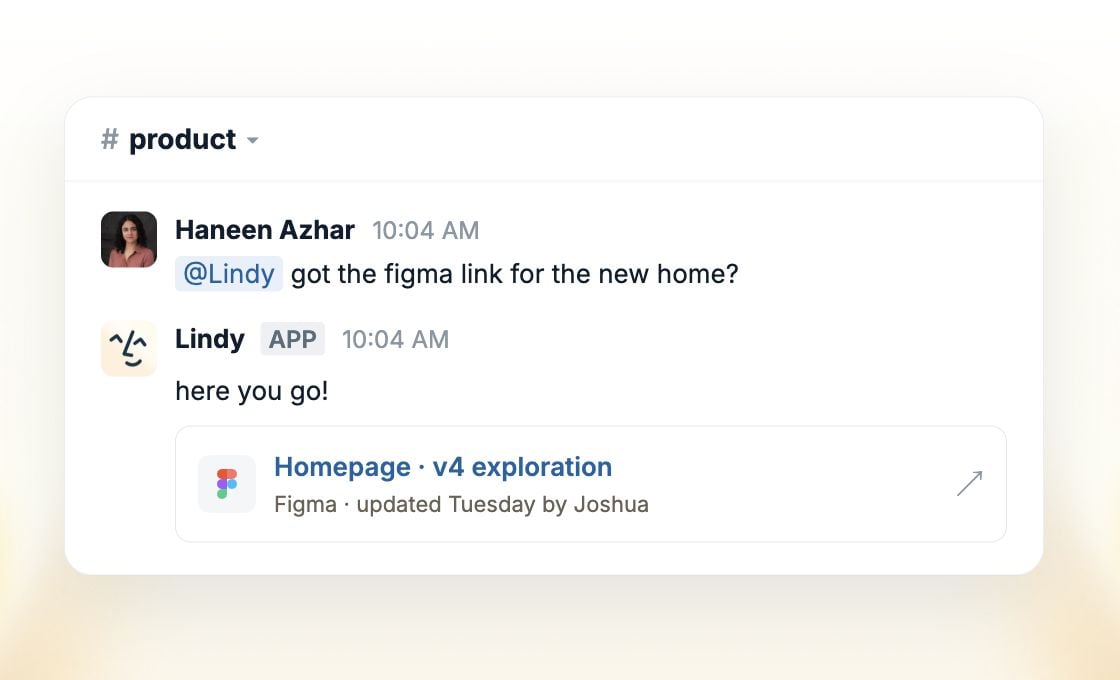
Build decks
Hand Lindy the deck. It pulls from your meetings and tools and comes back with slides, charts, and commentary, ready to present.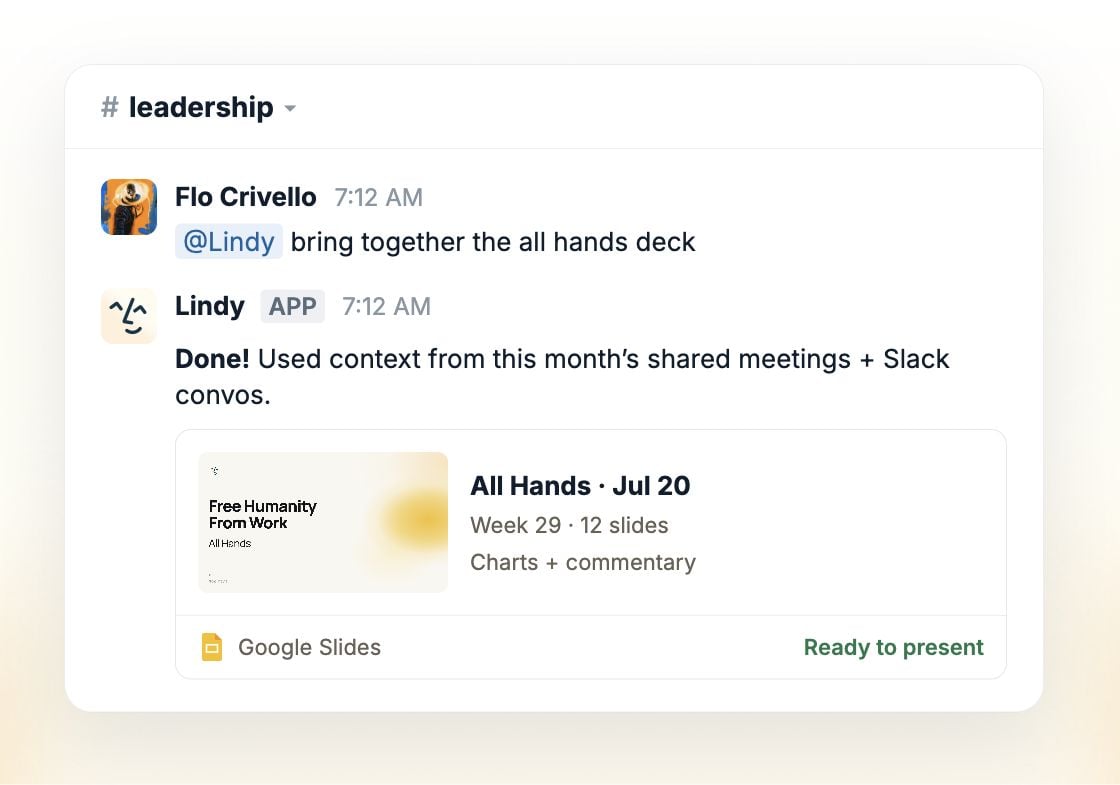
Catch up
Been out, or dropped into a busy channel? Lindy gives you the TL;DR and exactly what needs you.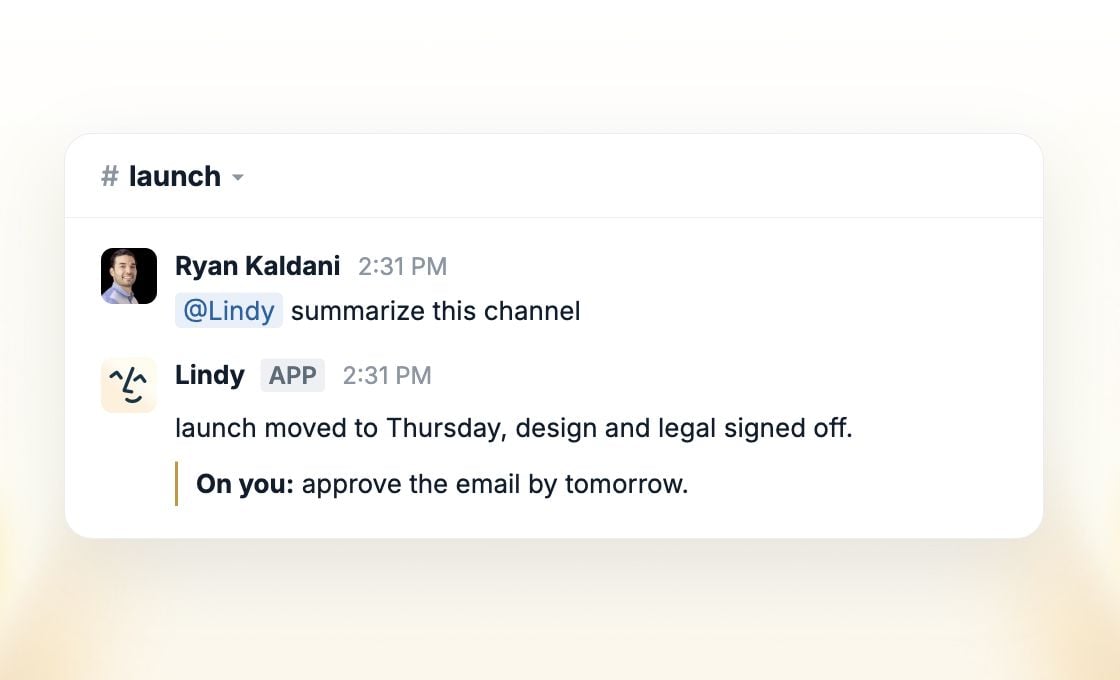
Set up Lindy
Get it into Slack and link the team.
Skills
Teach it the ones you repeat.